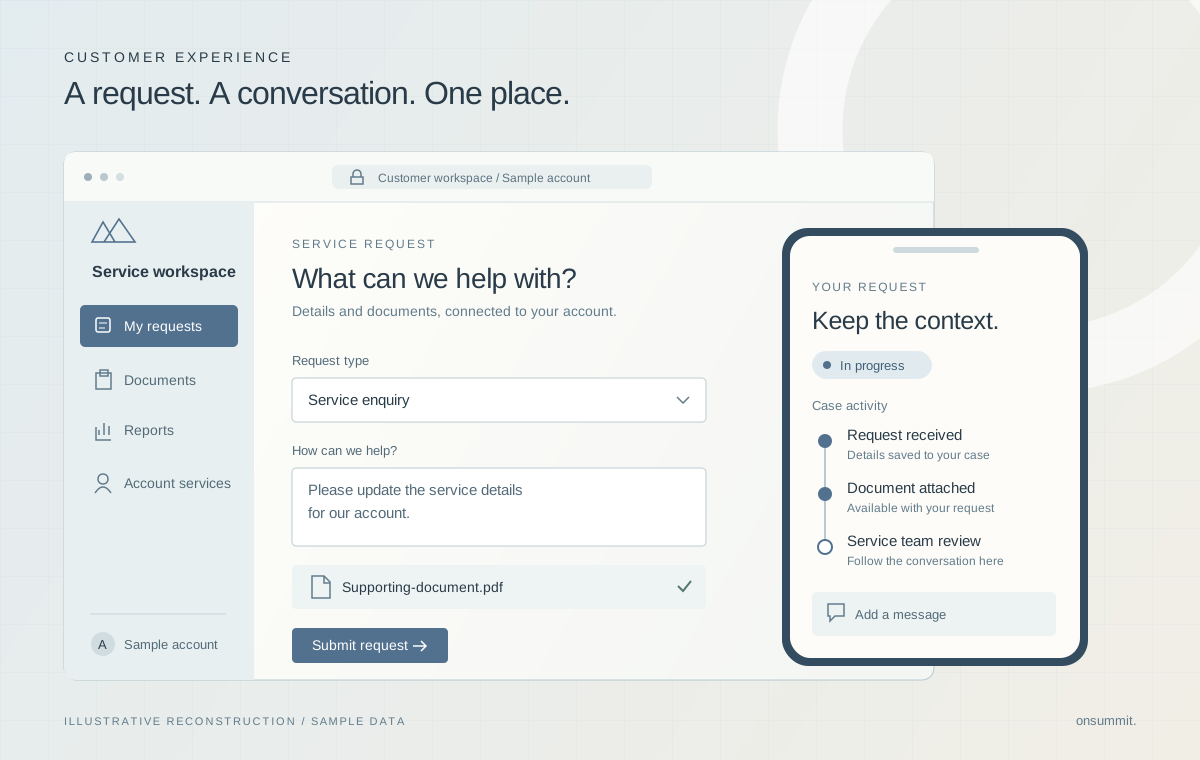
The problem behind the system.
Customer service rarely follows a single form. Different requests need different information, account-specific choices and follow-up actions. This portal needed to bring those journeys together while respecting the relationship between the signed-in customer, the service information they could select and the records they could access.
- The interface had to support multiple request types while keeping common behavior consistent.
- Authorization had to account for record sharing, object and field permissions, and account-specific service selections.
- Case creation, document uploads and follow-up activity were related operations with distinct failure paths.
Team contribution
The project team delivered this engagement through a consulting partner. The team's contribution covered the LWR experience, reusable Lightning Web Components, Apex services and Apex test classes, alongside requirements and acceptance work. The implementation extends Salesforce’s application, data and content capabilities; existing identity services remain part of the surrounding environment.
The decisions that shaped the work.
Make common behavior reusable.
Request types differ, but field handling, reference-data loading and submission share many responsibilities. Repeating all of that behavior would make the application harder to reason about as a whole.
A configuration-driven form layer defines fields and request-specific behavior while shared components handle validation, lookups, case submission and uploads. This separation allows related journeys to use a consistent processing model.
Design consideration. Reuse does not remove the need for specialized behavior. Request-specific rules still need explicit configuration and corresponding server-side validation.
Put access decisions behind the interface.
A filtered dropdown is useful to a customer, but it cannot establish whether a submitted record or field is permitted. Those decisions belong in the processing layer.
Apex derives the user’s account context, validates selected service records and checks allowed fields and upload targets. User-mode queries and explicit permission checks support these boundaries. Tests include account-boundary and unauthorized-field scenarios.
Design consideration. The underlying ownership model also requires a narrowly scoped system-sharing gateway. That exception is guarded by explicit account and permission checks.
Represent partial success accurately.
Creating a case and uploading its attachments are separate steps. A file-transfer failure does not necessarily mean the case itself failed.
The interface distinguishes those outcomes and can report that the case was created while the upload was unsuccessful. Native notification retrieval is handled through a separate service with bounded requests and controlled error messages.
Design consideration. Users need a clear next action when related operations finish differently. The interface preserves that distinction instead of presenting every multi-step action as one undifferentiated result.
What the system delivers
- One portal for service requests, case updates, documents, reports and user administration.
- Forms that adapt to different requests and support file uploads.
- Account and permission checks when customers submit requests or access records.
Technical implementation
- Experience Cloud LWR hosts the customer-facing application, with JavaScript, HTML and CSS in Lightning Web Components.
- Apex controllers, services and data-access helpers separate request processing from UI behavior.
- Salesforce Files supports attachments; Connect REST supports native notification retrieval and state updates.