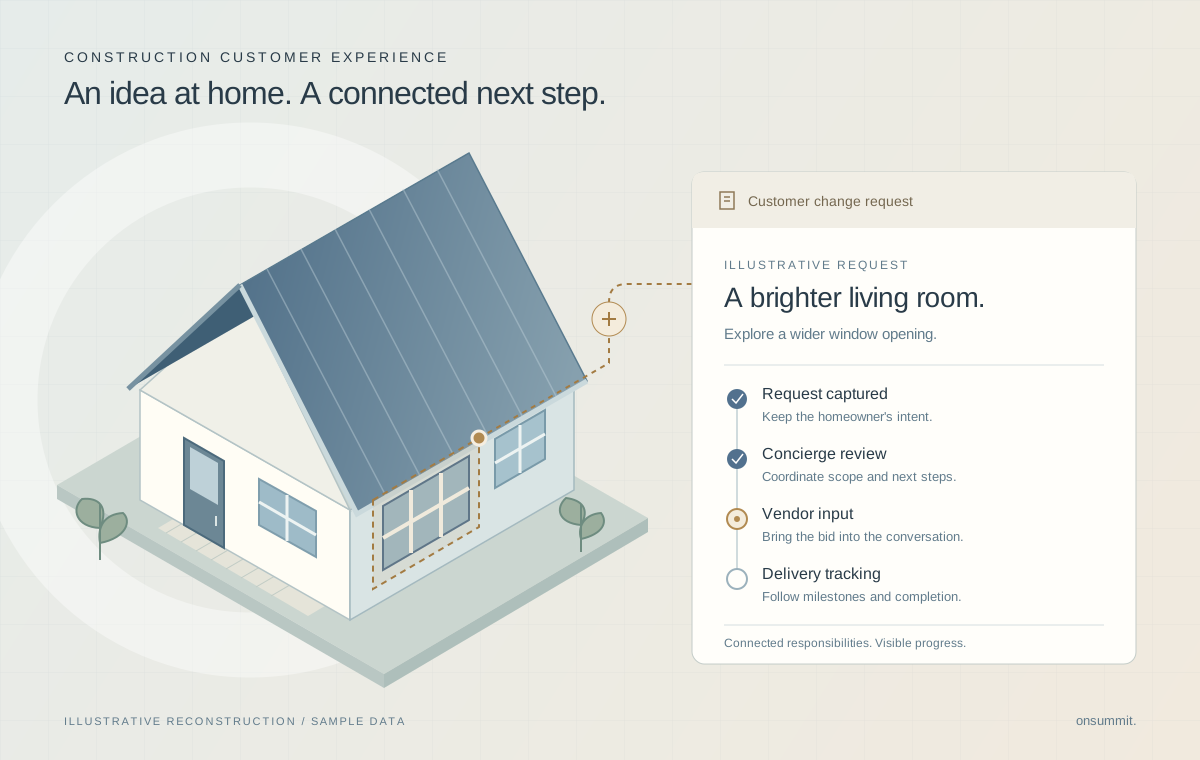
The problem behind the system.
In custom-home construction, a homeowner's request has to become something the delivery team can assess and carry through. The concierge process needs to connect customer intent with vendor bidding and operational follow-up. Separate screens and hand-offs can make it difficult to see where a change stands.
- Customer-facing requests and vendor participation serve different users within the same process.
- A status change must be usable by the person responsible for that step.
- A deployed workflow still needs validation in the roles that carry out the work.
Team contribution
This example comes from a prior consulting engagement delivered with a wider consulting and client team. The delivery team contributed to change-order workflow design, validation and production release alongside client stakeholders. The work described here includes the concierge process, portal screens and operational tracking within the wider construction platform.
The decisions that shaped the work.
Connect the hand-offs around one business process.
A customer request, a vendor response and a construction milestone describe different parts of the same change.
The implementation joined concierge workflow, portal screens, bidding and dashboards within the Salesforce environment. This gave the change process both a customer-service view and an operational view.
Design consideration. Connecting the stages supports coordination; it does not remove the need for people to assess scope, cost and delivery.
Make progress visible at more than one level.
The person handling an individual request needs detail, while the wider delivery team needs a view across changes.
Change-order screens support the individual workflow. Dashboards, milestone tracking and service-level status provide the surrounding operational picture.
Design consideration. A progress view depends on the underlying records being maintained. Visibility alone is not evidence of shorter turnaround.
Check the role that performs the final action.
A deployment can succeed while a user still lacks permission to complete a required step.
The delivery included production validation, followed by a concierge completion check after a permission correction. That connected technical release work to a specific user action.
Design consideration. A successful completion check validates that scenario. It does not establish adoption or acceptance of every process variation.
What the system delivers
- A live process for handling homeowner changes and vendor participation.
- Portal screens and dashboards showing change status and milestones.
- A verified completion action for customer-service staff.
Technical implementation
- Salesforce Flow and portal screens support the change-order process.
- Reports and dashboards provide operational views around the individual change records.
- Delivery validation included a role-specific status-completion check.